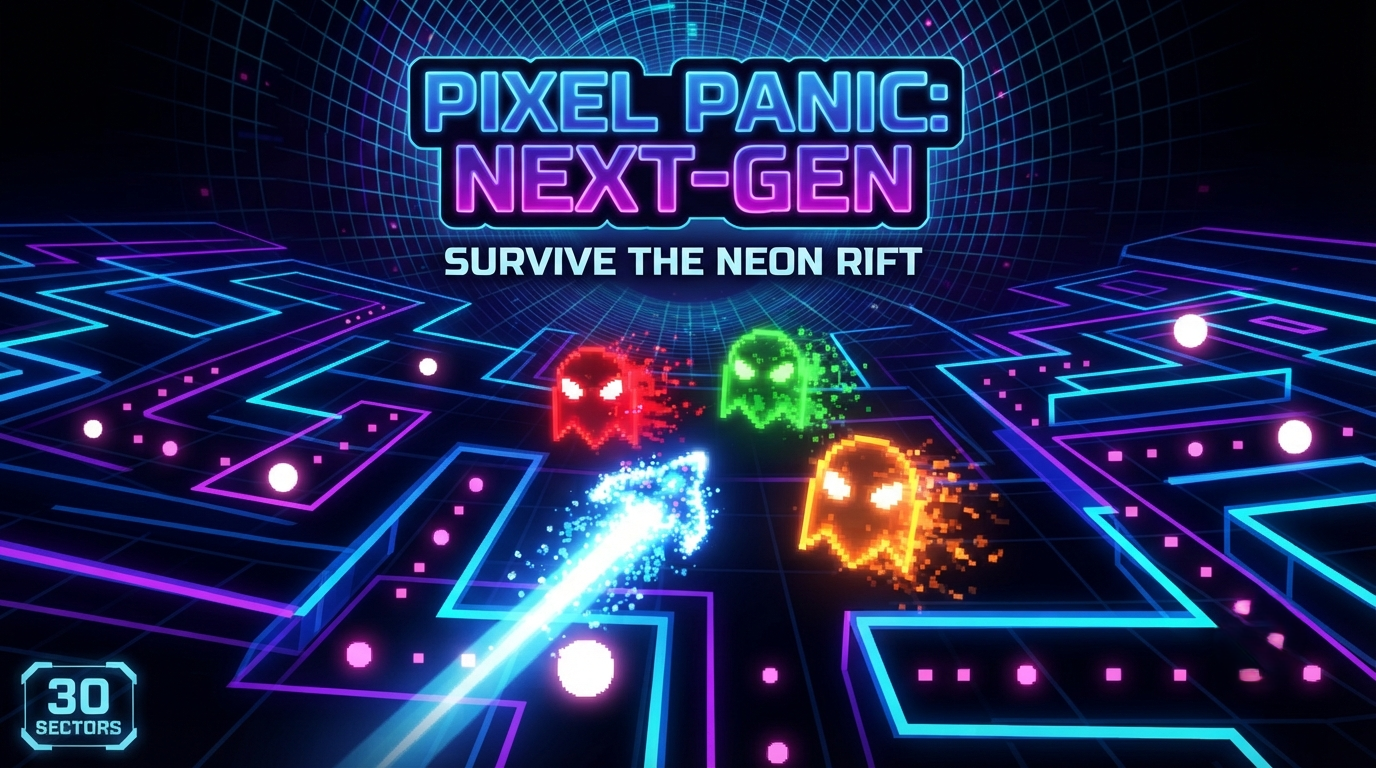
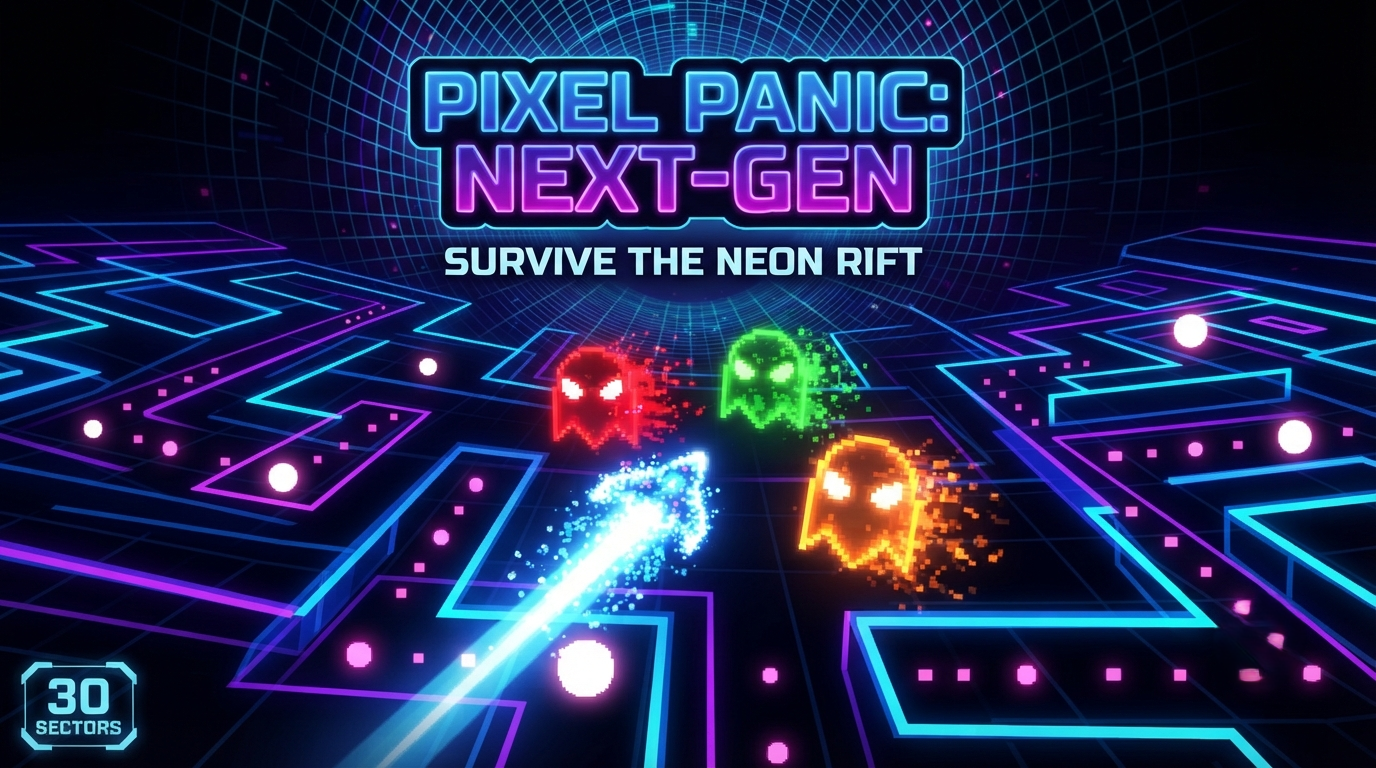
PIXEL PANIC: NEXT-GEN
A downloadable game
PIXEL PANIC: NEXT-GEN — OFFICIAL RELEASE GUIDE
Game Overview
PIXEL PANIC: NEXT-GEN is a high-speed, neon-drenched arcade maze runner built for players who love classic retro gameplay packed with modern features, high-stakes progression, and deep customization. Navigate the cyberspace grid, collect core credits, outsmart aggressive next-gen neon ghosts, and conquer all 30 unique campaign sectors to unlock the ultimate endgame vault.
Key Features
- 30 Campaign Sectors: Test your reflexes across 30 progressively challenging, alternating map layouts. As you advance, the grid shifts and the digital specters move faster.
- Unlockable VIP Limited Edition Store: Hidden from casual players, the VIP Vault is permanently locked until you successfully conquer all 30 campaign sectors. It features the rarest cosmetic skins and game-breaking perks in the matrix.
- Black Market Shop: Spend your hard-earned Core Credits between runs to unlock custom player skins and powerful passive upgrades.
- Next-Gen Level Editor: A fully integrated, real-time map creation tool that lets you design, paint, and save your own custom cyber mazes to play anytime.
- Dynamic Neon Visuals: Immersive particle-style glowing grids, custom skins (from Cyber Green to the legendary Astral Gold Sovereign), and clean retro arcade presentation.
Controls & How to Play
- Movement: Use the Arrow Keys (Left, Right, Up, Down) to steer your player character through the grid tunnels.
- Screen Wrapping: Utilize the left and right side screen tunnels to instantly teleport across the map and escape pursuing ghosts.
- Pellets & Power Dots:
- Collect standard glowing pink pellets to earn Core Credits and raise your score.
- Grab large white Power Dots to temporarily turn the tables, making ghosts vulnerable and rewarding massive credit bonuses for hunting them down.
- Fruit Drops: After consuming enough pellets in a sector, a high-value bonus fruit spawns in the center of the grid—grab it quickly before it disappears!
How to Use the Level Editor
Want to build your own custom map? Select Level Editor from the main menu and use these tools:
- Painting Tools (Keyboard Numbers):
1— Neon Wall: Paints solid cyber-walls to block paths and construct maze layouts.2— Pellet: Places standard score-collecting pellets.3— Power Dot: Places flashing power-up dots to let you turn the tables on ghosts.4orDELETE— Eraser: Clears tiles back to empty grid space.
- Mouse Controls:
- Left Click + Drag: Paint selected tiles onto the grid.
- Right Click: Quickly erase/clear any tile back to empty space.
- Saving Your Creation:
- Press
Son your keyboard to instantly save your custom layout directly into the game's Core Matrix save file, making it instantly playable from the "Play Custom Level" menu option.
- Press
System Requirements & Installation
- Download: Grab the game
.zipfile from Itch.io. - Extract: Unzip all files directly to your desktop or a dedicated folder.
- Launch: Double-click
main.exeto boot up the cyber grid. (Note: If Windows displays a "Protected your PC" safety popup, simply click "More Info" and then "Run Anyway" to jump straight into the action).
Download
Click download now to get access to the following files:
Leave a comment
Log in with itch.io to leave a comment.